
Stardew Valley tool hub
Stardew Valley Planner for calmer farm decisions.
Sketch a farm layout, find the next bundle gap, look up a useful gift, and test a crop margin from one focused workspace.
Local-first controls. Your draft and checkmarks stay in this browser.
A useful first screen
The answer should be close to the decision.
Stardew Valley is full of small decisions that repeat across seasons: where a building fits, which crop is worth the space, who can use the gift in your backpack, and which bundle item is still missing. A conventional wiki is valuable for deep reference, but it makes these decisions feel like separate searches.
Valley Ledger keeps the first pass practical. The planner is the main experience, and every supporting section turns a question into a filter, checklist, or visible calculation. The current MVP is intentionally transparent: values entered into the crop calculator are shown back to you, and the reference tables are marked as a small demonstration dataset rather than a complete database.
Primary tool
Stardew Valley Farm Planner
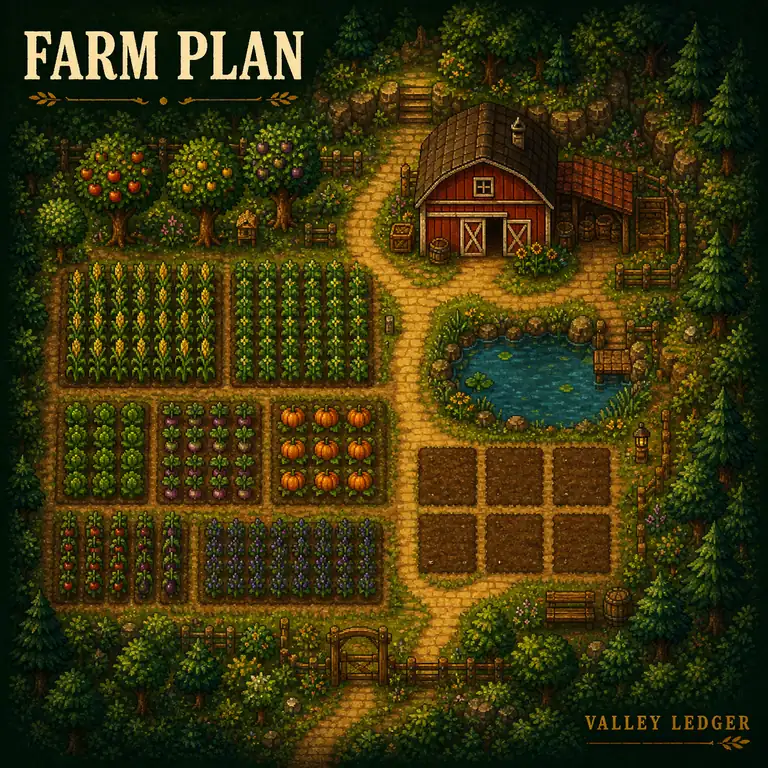
Use the grid as a quick planning board. It is a layout sketch, so you can change ideas without committing to a full in-game build.
Visual reference
Make the rough idea visible.
Use the farm view as a reminder that a good layout is a set of relationships: rows need access, buildings need breathing room, and empty plots are part of the plan.
Year 1 layout
SoilactiveClick a plot to place
A layout sketch is the fastest way to turn a vague farm idea into a visible constraint. It gives you a place to compare a crop block, a path, a building footprint, and a little breathing room before you spend in-game resources.
The MVP saves the plan name and tile map in your browser. Exporting JSON gives you a small portable backup without requiring an account or sending a farm file to a server.
Progress tracker
Community Center bundle checklist
Use the standard bundle groups as a versioned reference while you plan the season. Remixed variants and platform-specific differences stay outside this first data release.
Versioned reference: Stardew Valley 1.6.15 · verified 2026-08-11 · Source: Stardew Valley Wiki Bundles.
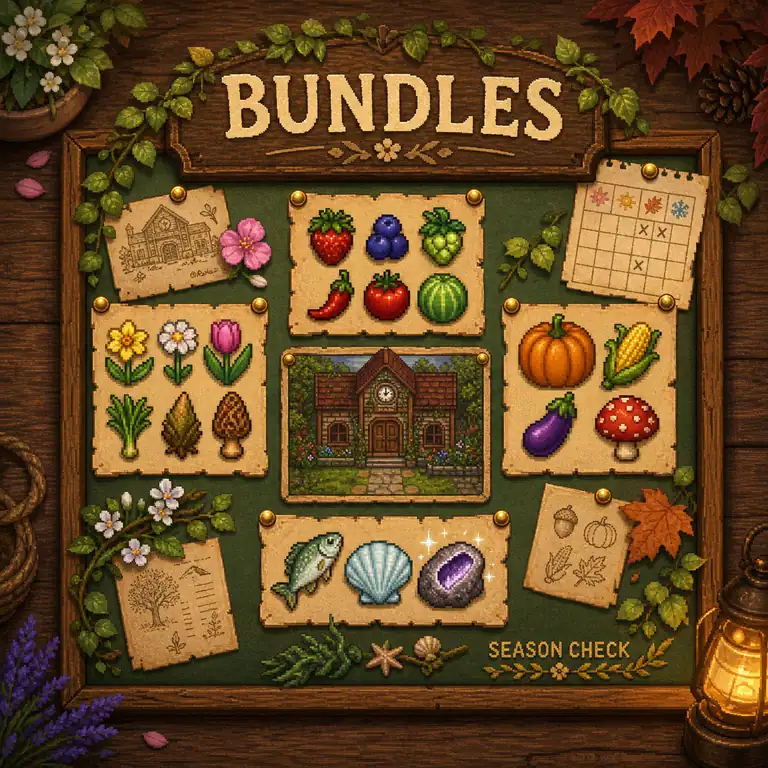
Bundles are a natural planning surface because the same item can be constrained by season, weather, time, location, or a separate production chain. A useful checklist should not only say “collect this item”; it should show when the item becomes available and what other goals compete for the same space.
This preview keeps the data boundary honest. It shows recognizable examples for interaction testing, while the source notes explain that a production release needs a versioned, complete item table, remixed-bundle rules, and last-verified dates.
Compare with the community referenceQuick lookup
Find a practical villager gift
Search the small reference set by villager or item. Use it as a fast example of the future item-to-villager matrix.
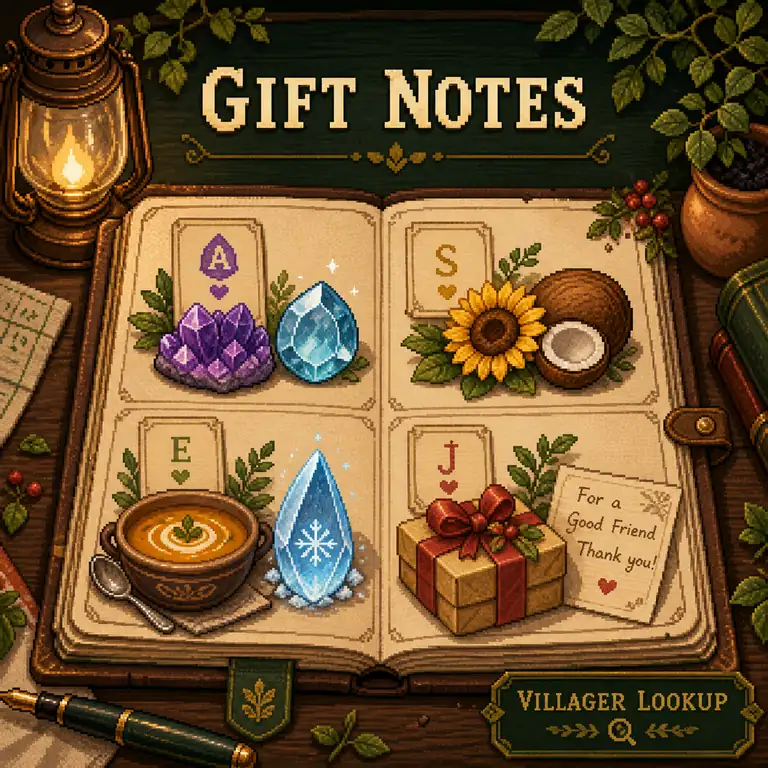
Search the complete villager set by name or loved-gift example. Universal, liked, and disliked states remain outside this focused lookup.
Why gift lookup belongs beside the planner
Relationship goals are another calendar constraint. A lookup is more helpful when it can be used in context: which items are already in the planned farm, which gifts are in season, and which item can serve more than one goal.
Useful edge cases
Future versions should distinguish universal likes from individual preferences, account for birthday multipliers, and label data that changes by version or expansion. Search should still return a clear “no match” state instead of silently guessing.
Transparent calculator
Crop margin calculator
Enter your own assumptions or load a versioned base-game preset. The result is arithmetic from the visible inputs, not a hidden recommendation.
Formula: revenue minus seed and extra costs; daily margin divides net margin by growth days. Processing, professions, quality, and repeat regrowth are not included unless you add them to the inputs.
Try two crops with the same number of planted tiles and compare net margin per day. Then check whether the higher result still fits your bundle, gifting, or energy plan.
Game data can change with version, profession, quality, processing, and map constraints. The tool makes those assumptions visible so it can be upgraded into a versioned database later.
Designed for a play session
A small workflow, not another tab maze.
Use the workspace in the order that a real farm decision tends to happen.
- 01
Sketch the constraint
Place fields, buildings, paths, trees, and water on the grid. Save the rough idea before you start optimizing.
- 02
Check the season
Review the bundle sample and mark goals that compete for the same seasonal window or crop space.
- 03
Choose a useful gift
Search the reference set by item or villager, then confirm the complete preference table before acting in-game.
- 04
Test the margin
Change the visible inputs, compare results, and keep the assumptions that match your own save.
Trust and scope
What this MVP knows, and what it does not.
Versioned reference data
The bundle groups, dateable-villager gift examples, and crop presets are tied to Stardew Valley 1.6.15 PC references and verified on 2026-08-11. They remain a focused subset, not a complete automatically updated wiki.
Source before scale
Each interactive record carries a source link, version boundary, and verification date. Remixed bundles, platform differences, and preference states outside the current scope are intentionally excluded.
Local by default
Planner and checklist state is stored locally. No save file upload, account, or remote farm data is part of this MVP.
Background references: official Stardew Valley site, Steam listing, and community wiki.
Questions
Stardew Valley Planner FAQ
Short answers for the tool's current scope. Production pages should expand these with versioned data and route-specific examples.
What does this Stardew Valley Planner do?
It provides a farm layout grid, a small Community Center checklist, a gift lookup, and a crop margin calculator in one browser workspace.
Does the farm planner know every in-game collision rule?
No. The grid is a visual planning sketch. Confirm exact building footprints, paths, and collision behavior in your game before spending resources.
Is the bundle checklist complete?
No. The MVP shows a small sample to demonstrate progress tracking. A production version needs a complete, versioned bundle dataset including remixed variants.
Can I save my Stardew Valley farm layout?
Yes. Save locally stores the plan in this browser, and Export JSON downloads a portable copy. The current MVP does not upload save files.
How does the crop calculator work?
It subtracts seed and extra costs from total sell revenue, then divides net margin by growth days. The visible inputs make the assumptions easy to change.
Does Valley Ledger belong to Stardew Valley?
No. Valley Ledger is an independent companion concept and is not affiliated with ConcernedApe, Stardew Valley, or the publisher.